DMARC REPORT PARSER
Every sending source from your DMARC reports, grouped by SPF and DKIM alignment.
Mailbox providers send daily aggregate XML reports listing every server that sent mail claiming to be from your domain. Dmarcread parses those reports in your browser, groups every sending source by IP and hostname, totals the messages, and sorts them into three lists — passed, probably yours, and unidentified — using only what the report itself says.
01 / HOW IT WORKS
Drop in a report. Read the grouping in seconds.
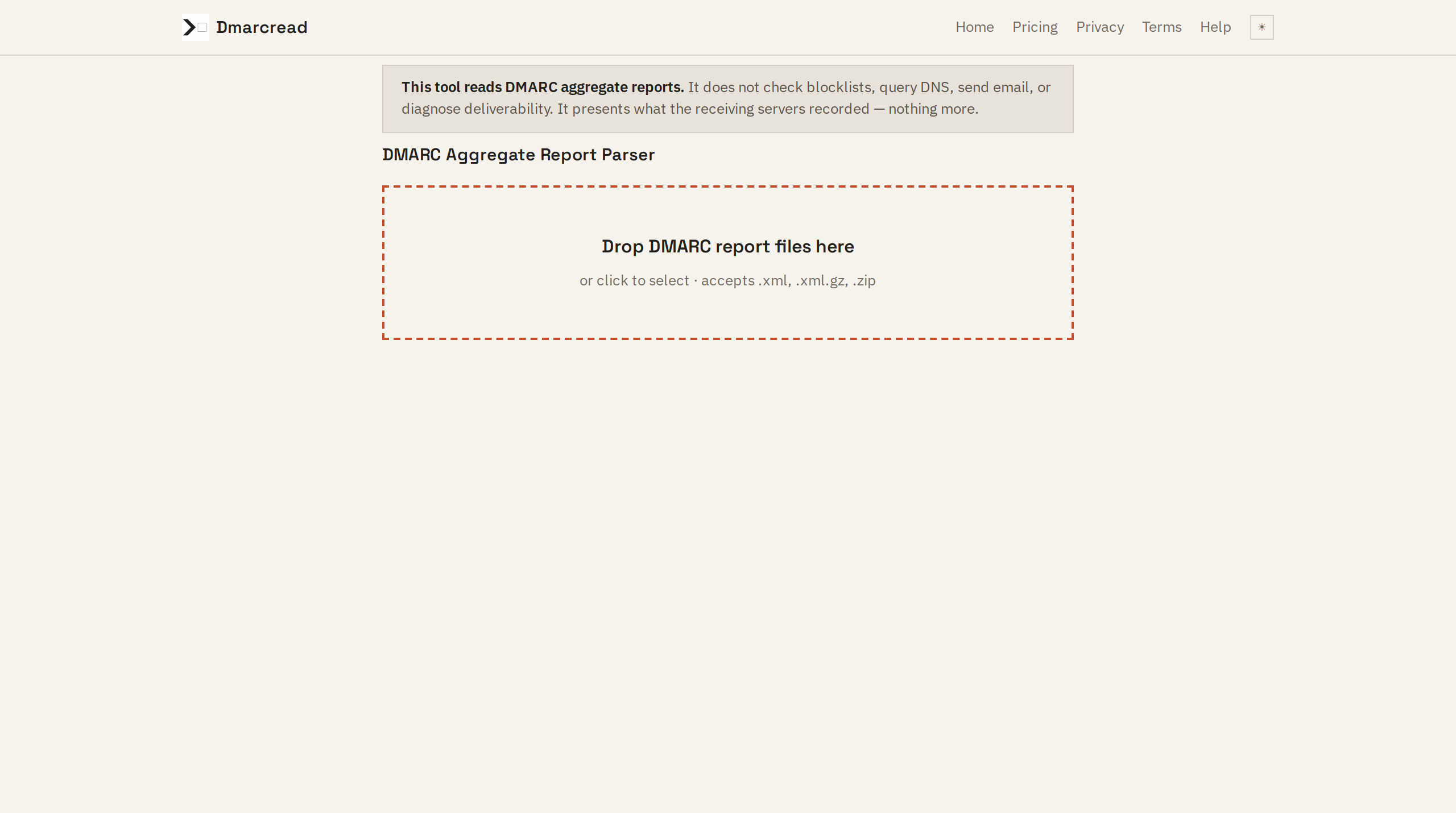
Upload one or more report files. Dmarcread decompresses gzip and ZIP archives, parses the XML, and groups every sending source into three categories based on what the receiving servers recorded.
02 / WHAT YOU GET
Three lists, one sentence per source.
Every sending source is assigned to exactly one group based on the report's own SPF, DKIM, and alignment fields.
SOURCES THAT PASSED
Servers that passed both SPF and DKIM alignment. These are your legitimate sending infrastructure — your ESP, your transactional mail provider, your own outbound servers.
SOURCES THAT PROBABLY BELONG TO YOU
Sources that failed alignment but whose reported hostname matches a service you probably use — a newsletter tool, a helpdesk, a CRM. Dmarcread flags which check failed (SPF, DKIM, or alignment) so you know what to fix.
UNIDENTIFIED SOURCES
Sources that failed alignment and do not match any identifiable service. The report provides the IP and the Received hostname. Dmarcread cannot tell you whether these are spoofing or legitimate senders you simply forgot about — it reports only what the record contains.
03 / WHAT IT COSTS
Free. No account. No upload.
Dmarcread runs entirely in your browser. There is one plan and it costs nothing.
$0 — Per month, no hidden tier. No accounts or sign-ups. No upload — browser only.
04 / WHAT IT WILL NOT DO
Clear limits, stated plainly.
Dmarcread reads DMARC aggregate reports and nothing else. It never:
- Check DNS records, SPF or DKIM records — it reads what the report already contains.
- Look up or change your domain's DMARC policy.
- Check blocklists or reputation databases.
- Send or receive any email. There is no email sender in this product.
- Diagnose why your mail goes to spam or is not delivered.
- Tell you a source is definitely malicious — it reports what the receiving servers recorded and says plainly when a source cannot be identified.
- Store or transmit anything you upload. All processing happens in the browser process. Refresh the page and it is gone.
05 / ZERO TELEMETRY
Your reports stay on your machine.
There is no server endpoint that could receive your uploaded data. Dmarcread has no backend, no database, no analytics — architecturally, the capability to exfiltrate does not exist. Results are generated locally and can be downloaded as CSV or copied from the page. Nothing is saved between visits.
This is not a privacy policy claim you must take on trust. It follows from how the product is built: a single HTML page with inline JavaScript that parses files in the DOM and renders results. No backend was written because none was needed.
06 / FREQUENTLY HEARD
Questions from people who read DMARC reports.
Is this a deliverability tool? Can you tell me why my email goes to spam?
No. DMARC aggregate reports tell you which servers are sending mail as your domain, not whether that mail lands in the inbox. Deliverability is a separate problem involving content, sender reputation, and mailbox provider policies. This product is explicit about that limit — see the banner at the top of this page.
Do you store my reports on a server?
No. There is no server. The page is a static file. Your reports are parsed in the browser and discarded when you close the tab or refresh. The architect made the deliberate choice to build with zero backend — see product-spec.md.
I already have a DMARC analysis tool. Why use this one?
Most DMARC tools are dashboards that require you to delegate your DNS or sign up for a service that receives your reports. Dmarcread is the opposite: it takes a file you already have and presents what is in it, without accounts, without upload, without interpretation. You are the one who decides what the data means.
SOMETHING TO TAKE WITH YOU